Access
Sign in with your number and an SMS code
You sign in with your phone number and a code sent by SMS. No password to remember.
Security
From signing in to withdrawing cash, every sensitive action in BZA is checked and confirmed by you. You stay in control of your account, at all times.
Protections
No vague promises: here is what BZA does, screen by screen, to keep your account and your operations under your control.
You sign in with your phone number and a code sent by SMS. No password to remember.
Photos of your ID, step by step: every account is verified to make sure you really are you.
The app opens with your phone's own protection. Without your face, your fingerprint or your passcode, it stays locked.
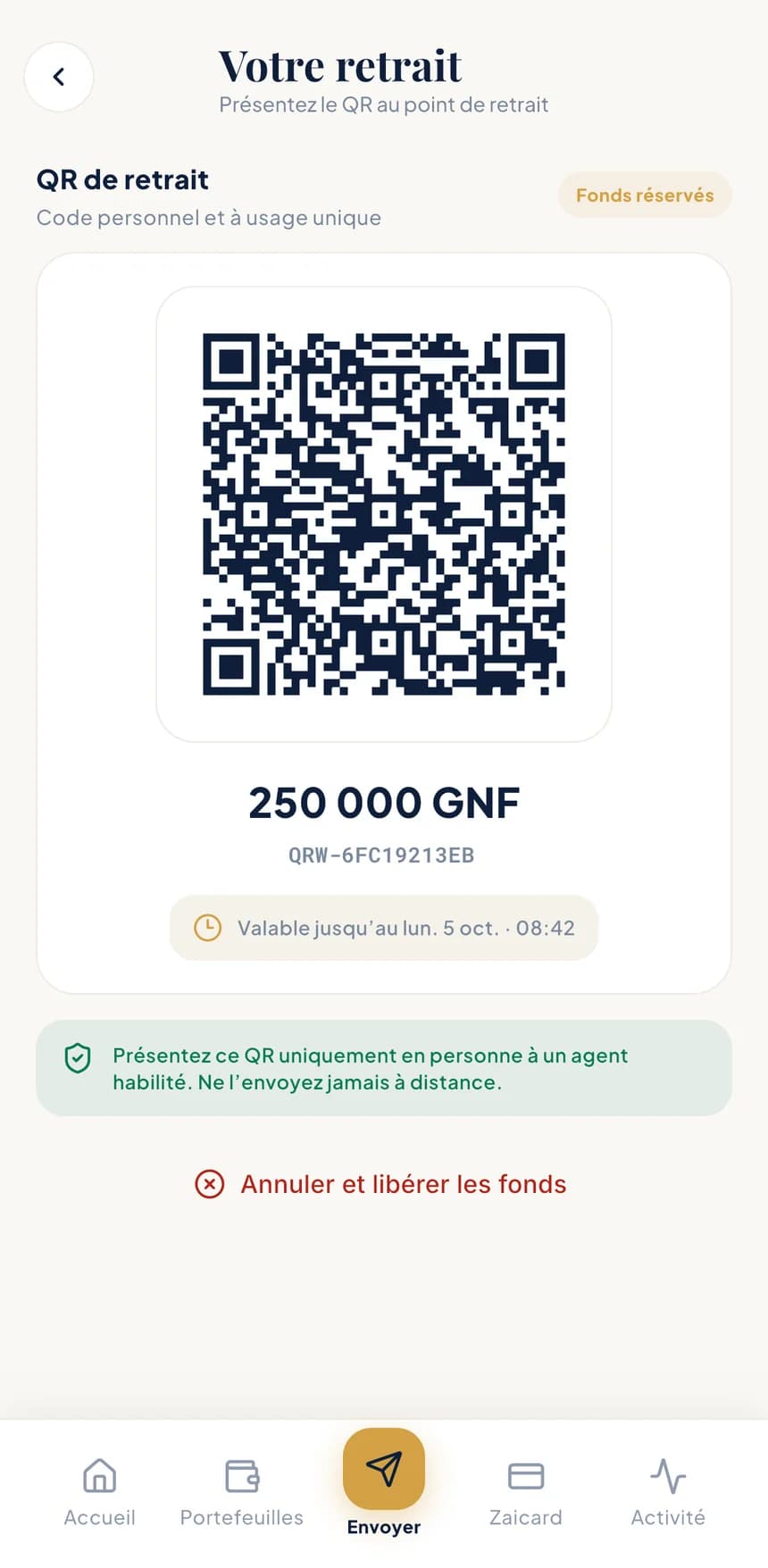
To withdraw cash, you generate a personal QR code. The amount is set aside in your wallet until you collect it.
For the operations that matter, BZA asks you to confirm it's really you once more, even when the app is already open.
Amount received, BZA fees, total paid, wallet debited and a rate guaranteed until the time shown: it's all in front of you before you approve.
Every operation comes with a PDF receipt, carrying a reference and a verification QR code. Share it freely: its authenticity can be checked with a single scan.
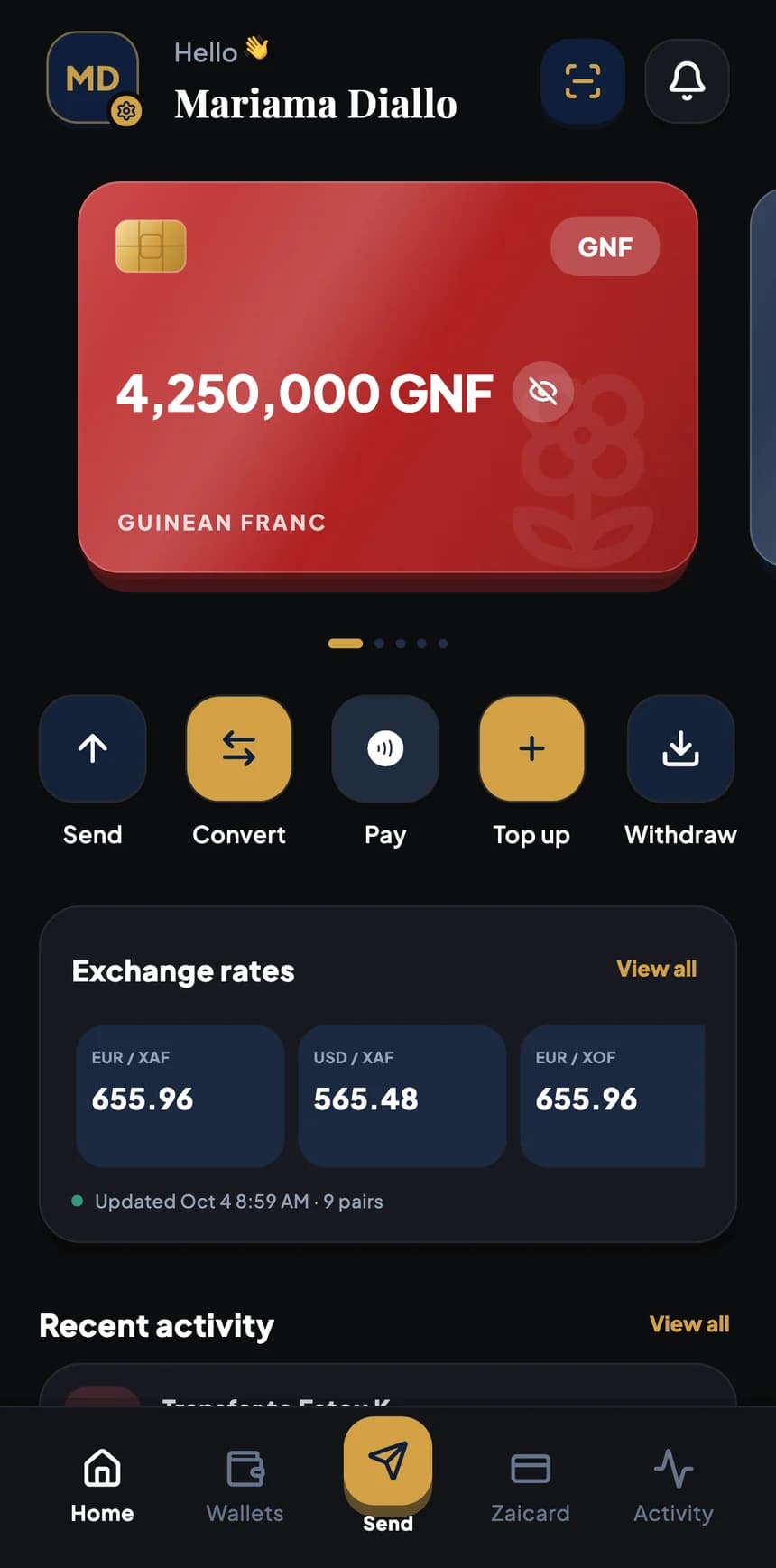
One tap hides your balances on screen, whether you're on the bus or at the counter.
See which devices have access to your account and remove any you don't recognise.
Your account belongs to you: you can request its closure from the app.
Anti-fraud
Fraudsters count on you rushing. A few simple rules are enough to stop them.
BZA: your account is about to be blocked. Send us the code you received by SMS to reactivate it.
Scam · BZA will never ask you for this code.
Not by phone, not by message, not by email, not even in a branch. This code is yours alone: never share it with anyone.
It is shown in person only, to an authorised BZA agent or merchant. Nobody needs a photo of your QR code.
The review screen sums up the recipient, the country and the amount received. Any doubt? Go back: the transfer only leaves once you confirm.
A stranger rushing you, a “refund” to make, a prize to unlock: that's the classic scam script. Stop and check.
Turn on Face ID, Touch ID, fingerprint or your phone's passcode, and never lend your device unlocked.
App Store and Google Play. The official links will be published on this site: be wary of any other source.
Compliance
BZA follows the rules of a responsible payment service: knowing its customers, monitoring operations and protecting personal information.
Every account is verified using identity documents. For merchants and businesses, the activity and the legal representative are verified too.
Operations are monitored and limits apply depending on the profile. Supporting documents may be requested for certain operations.
Your information is used to provide the service and meet legal obligations. Your statements, certificates and receipts remain available in the app.
Regulatory information and legal documents will be published on this site before launch.
Report a problem
An operation you don't recognise, a suspicious message, a lost phone: report it straight away from Help & support in the app. The BZA team will reply and follow your request through to resolution.
Coming soon
BZA is coming to iPhone and Android. Official download links will be published here as soon as the stores open.