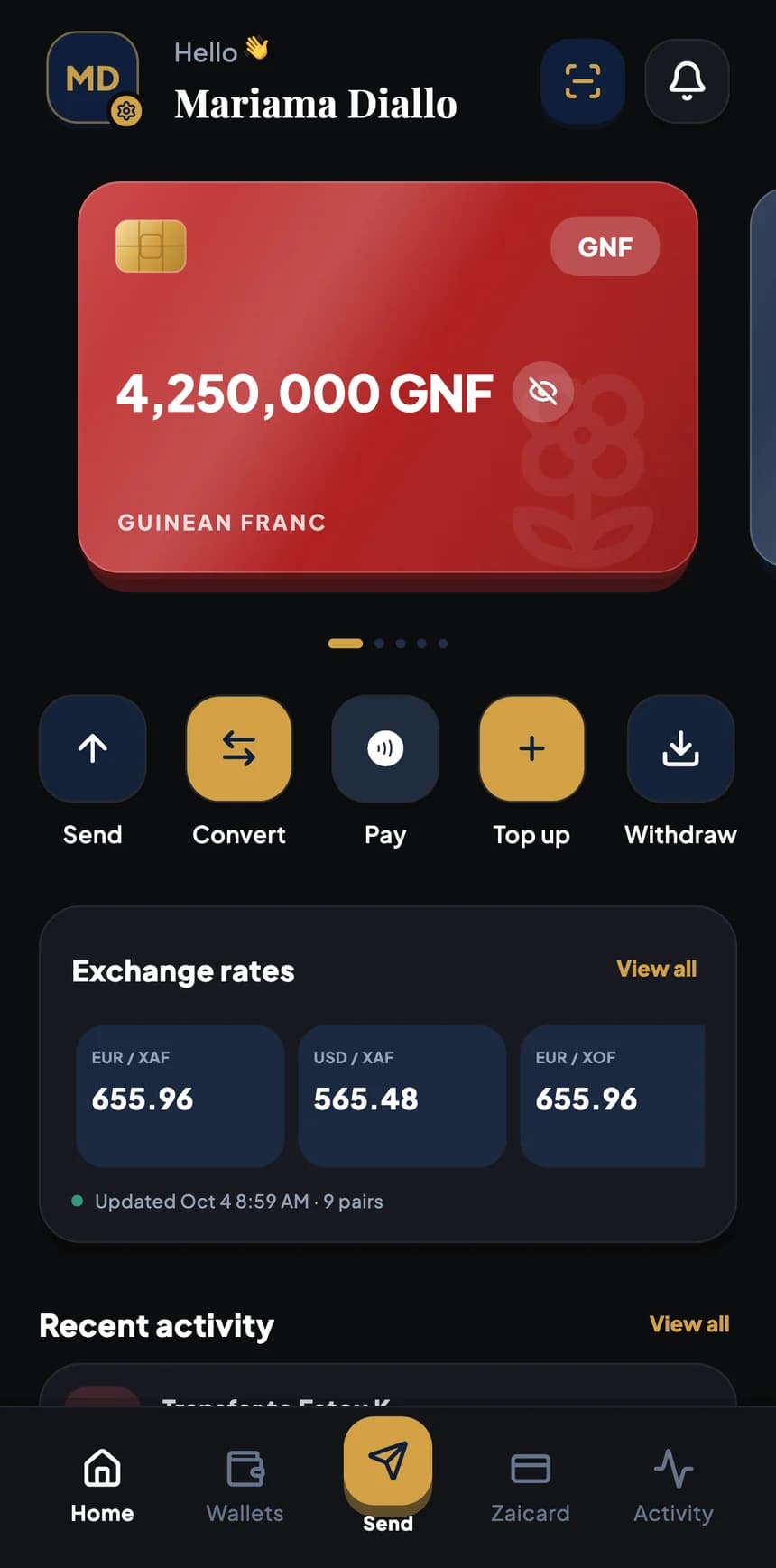
In branch
Branch appointment
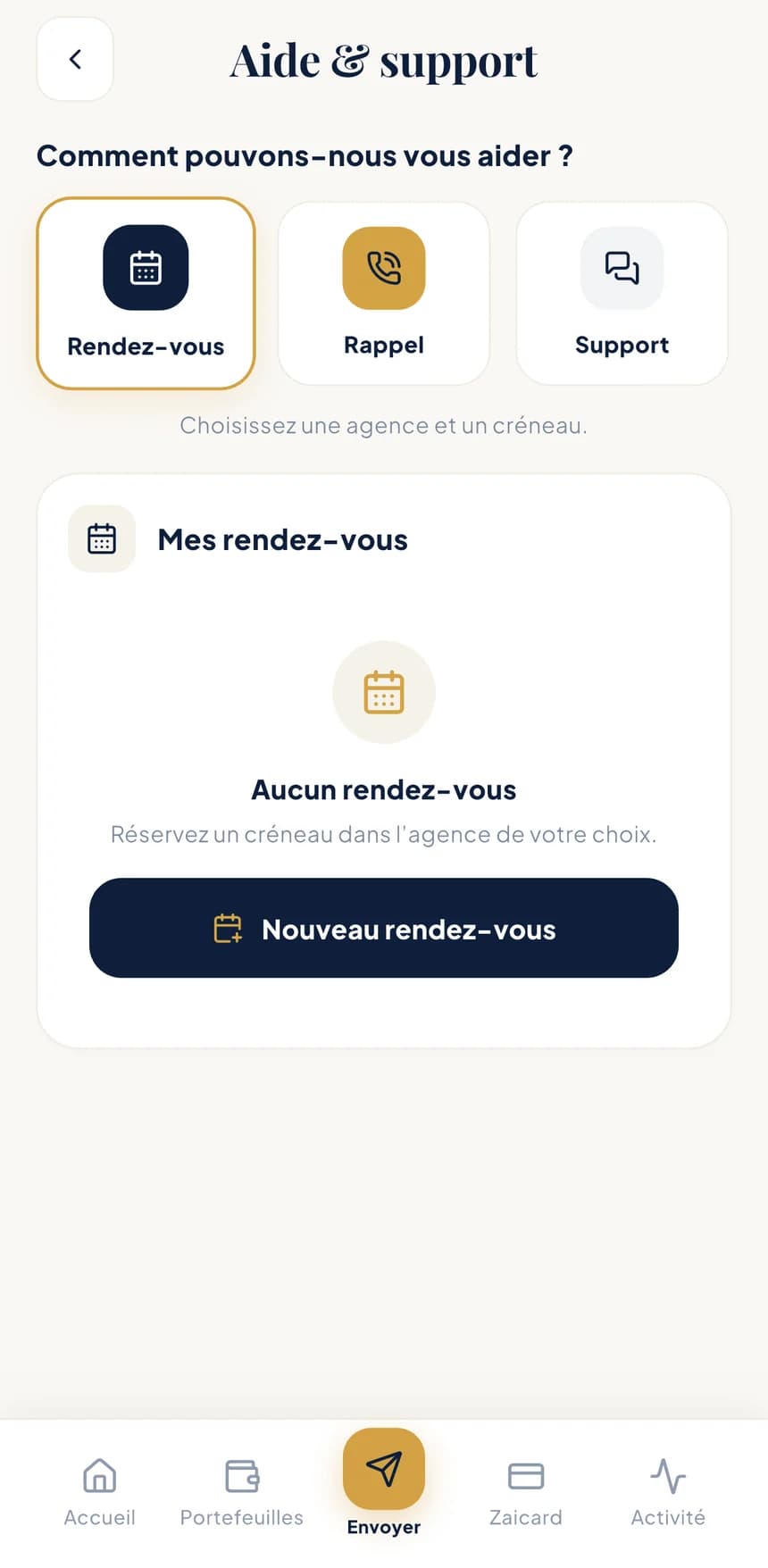
Pick a branch and a time slot. Your upcoming appointments stay in the app.
Help & support
An appointment, a callback, a question or an issue with an operation: BZA support is built into the app, and our teams also welcome you in branch.
Ways to get help
It all starts from Help & support in the app. Your requests stay there, with their progress.
Pick a branch and a time slot. Your upcoming appointments stay in the app.
No time to write? Ask a BZA advisor to call you back.
Write to the support team and find the whole conversation in one place.
An unusual operation, a suspicious message: report it in just a few taps.
File a complaint and follow its progress, step by step, until it's resolved.
In branch, a BZA agent prepares the operation with you; you confirm it in your app.
Frequently asked questions
Sending, converting, withdrawing cash, protecting your account: the essentials in a few lines.
12 questions
BZA is coming soon to the App Store and Google Play, for iPhone and Android.
The official download links will be published on this site as soon as the stores open.
Install the app, then enter your phone number and the code you receive by SMS.
Then follow the guided identity verification: a few photos of your ID, step by step.
Five currencies: Guinean franc (GNF), euro (EUR), US dollar (USD), West African CFA franc (XOF) and Central African CFA franc (XAF). Each currency has its own wallet, and you convert between them in the app.
The app speaks French, English, Spanish and Chinese. You can switch language at any time in Preferences.
No. With a Mobile Money transfer, they receive the money straight into their Mobile Money account (Orange Money, MTN Mobile Money, Wave, Moov Money or Free Money depending on the country).
With a bank transfer, they receive it in their bank account. Either way, they have nothing to install.
By Mobile Money, to Benin, Côte d'Ivoire, Cameroon and Senegal among others; Guinea is coming soon. By bank transfer, to an account in Europe (IBAN, SEPA transfer).
The up-to-date list of countries appears in the app when you choose the destination, along with the amount range for each transfer.
In the app, choose the wallet and the amount: a personal single-use QR code is created and the amount is set aside.
Show this QR in person to an authorised BZA agent or merchant. They scan it and hand you the cash.
The QR is valid until the time shown just below it. After that, it expires and can no longer be used.
You can also cancel it at any time with “Cancel and release funds”: the amount set aside becomes available in your wallet again.
Fees depend on the operation and the country. They are always shown before you confirm: amount received, BZA fees, total paid and wallet debited.
You see everything before you approve, and you can go back at any time.
For a conversion, the app gives you a quote guaranteed for the countdown shown on screen: the rate applied, the commission and the time of the rate are displayed before you confirm.
For a transfer, the rate is guaranteed until the time shown on the review screen. You can also set an alert to be notified when a rate reaches your target.
Contact BZA support as soon as possible, or visit a branch, to have your account protected. Remember to ask your mobile operator to block your line too.
Without your face, your fingerprint or your phone's passcode, the app stays locked. Once you're signed in again, check your connected devices and remove the old one.
Never. Not by phone, message or email, and not in branch either. If someone asks you for it, it's a fraud attempt: don't reply, and report it from Help & support.
Choose the merchant or business profile when you sign up. Merchants have their activity verified (a trade register entry, for example); businesses provide their company documents and those of their legal representative.
Limits are then adapted to your profile.
Contact
The easiest way: use Help & support in the app. Your request is tracked from start to finish.
Unsure about a message or a call? Our anti-fraud tips
From launch, you'll find Help & support in the app: branch appointments, callback requests or a chat with support.
Our contact details (email, phone, address) will be published here.
Coming soon
BZA is coming to iPhone and Android. Official download links will be published here as soon as the stores open.